You are using an out of date browser. It may not display this or other websites correctly.
You should upgrade or use an alternative browser.
You should upgrade or use an alternative browser.

Update (21/01/2026)
- Created my own PVRTool.dll file to replace the old method of converting the png theme to the correct two pvr files so now the process should be much faster, more reliable and work with anyone's setup and should hopefully mean you don't have to run it as admin anymore, It is very important you don't delete the PVRTool.dll file.
- Added the update notes directly into the GDMenu & OpenMenu HD Theme Manager, The button is in the bottom left, I have also moved the Recommended Game ID's button to the bottom left.
Update (20/01/2026)
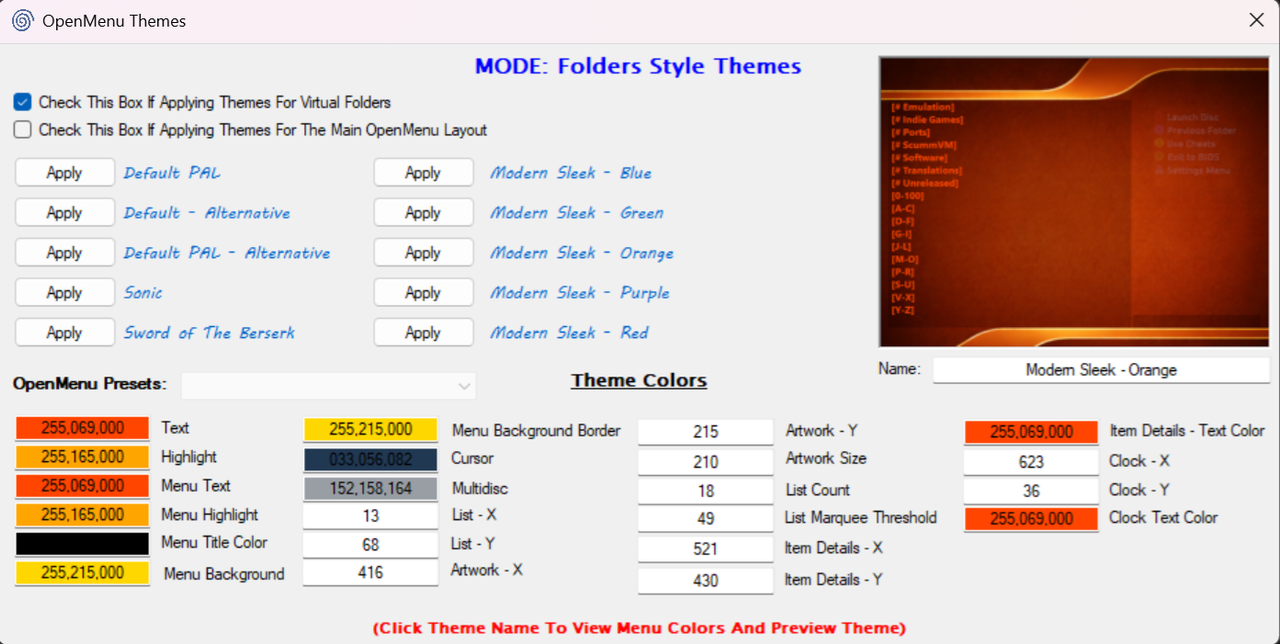
- Added custom theme ini support for online Folders style themes as well as offline custom Folders style themes.
- Updated Some of the online themes and preview images as well as added a few more themes.
To manually use a custom theme ini file if you're making your own theme, just place it in:
'Assets\Folders\INI\' and name the ini file: 'EXACT THEME NAME.ini'
To ensure the ini file is read correctly by my app everytime, Please keep the layout and order like this:
[THEME]
name=
text_color=
highlight_color=
cursor_color=
multidisc_color=
menu_title_color=
menu_text_color=
menu_highlight_color=
menu_bkg_color=
menu_bkg_border_color=
list_x=
list_y=
artwork_x=
artwork_y=
artwork_size=
list_count=
list_marquee_threshold=
item_details_x=
item_details_y=
item_details_text_color=
clock_x=
clock_y=
clock_text_color=
You can stop after list_marquee_threshold if you don't need the others.
Update (19/01/2026)
- Updated covers file for OpenMenu.
- Updated 'Recommended Game ID's' quite a bit.
- Added new themes.
- Fixed my 'Modern Sleek - Blue' theme.
- Fixed 'Default' theme misalignment.
Update (18/01/2026)
- Fixed theme elements being misaligned.
- Updated theme preview generator to better create a Folders style preview that matches what the console shows.
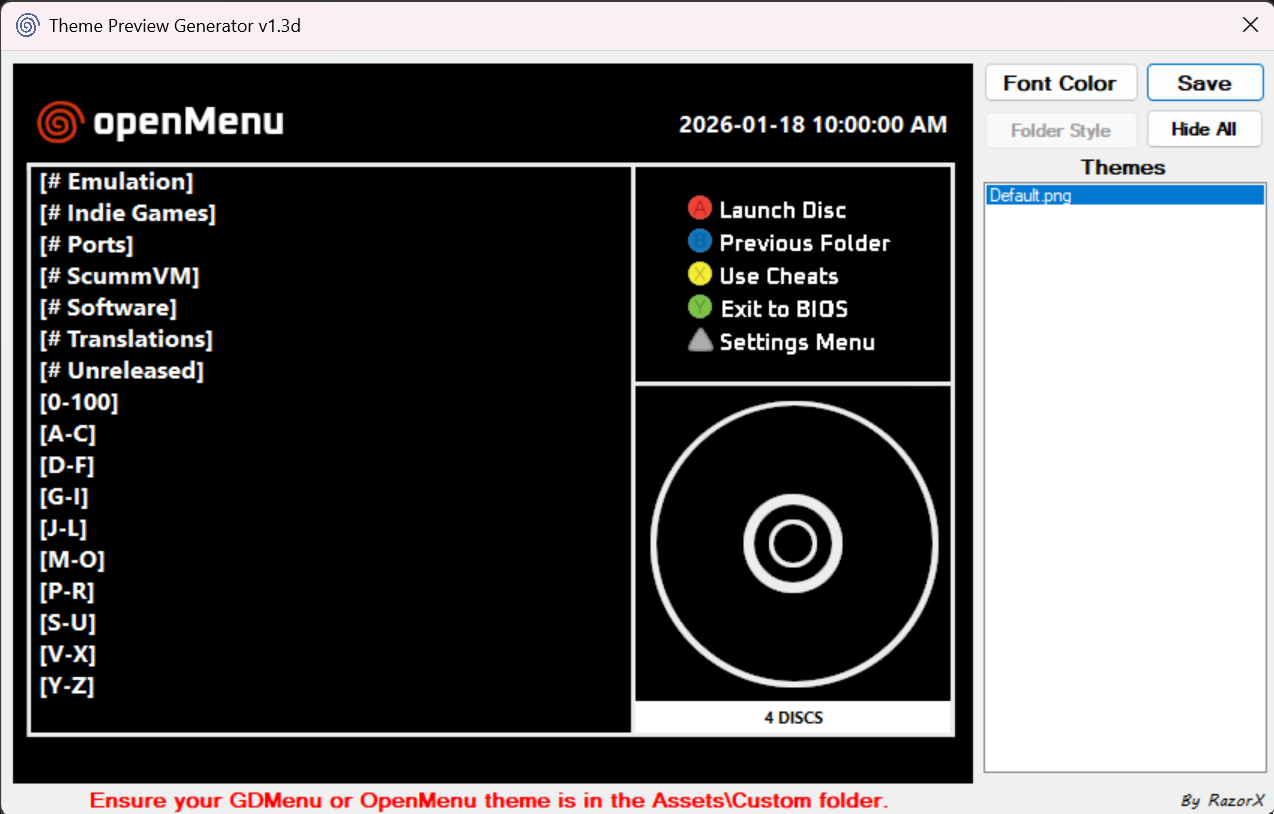
Once updated please also use this to update your OpenMenu.
Update (17/01/2026)
- Updated the Custom themes option.
- Fixed the themes downloader in v1.30b so it once again downloads the conf files as well as missing themes all in one go.
Now when you want to add your own Custom theme to test, Simply take your main THEMENAME.png and your preview THEMENAME.jpg and give them a suffix to dictate how my theme manager treats them
for example if you add ONE of the following:
_Standard
_HD
_OpenMenu
_Folders
to the end of the names just before .png or .jpg, My theme manager will treat it as such, For example if you add _Folders then my theme manager will treat it as a Folders style theme, Just make sure they're in Assets\Custom and Assets\Custom\Previews.
I've also added the ability to change the name used in the theme ini file from the OpenMenu themes
menu under the preview image just change it before applying the theme, Be aware the preview image shown is based off that name, So if the name is different to the preview image, Then the preview image won't show up but it won't effect anything else except the preview image not showing on the OpenMenu themes menu in my app.
Update (16/01/2026)
Updated alot with this release so the full release notes are here: Pastebin
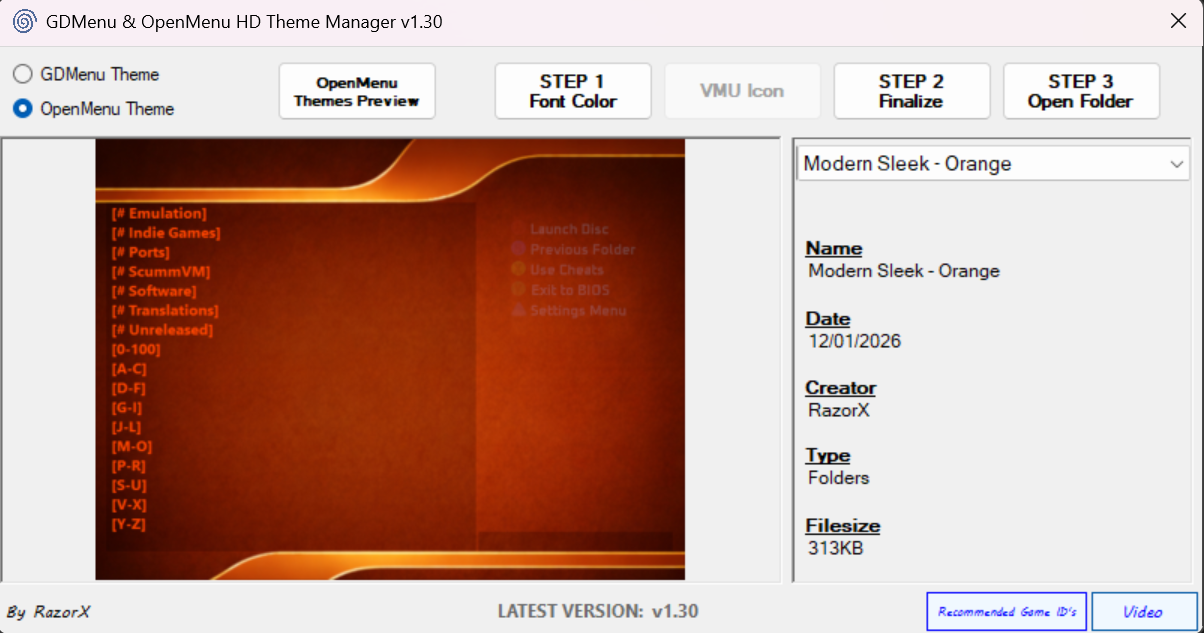
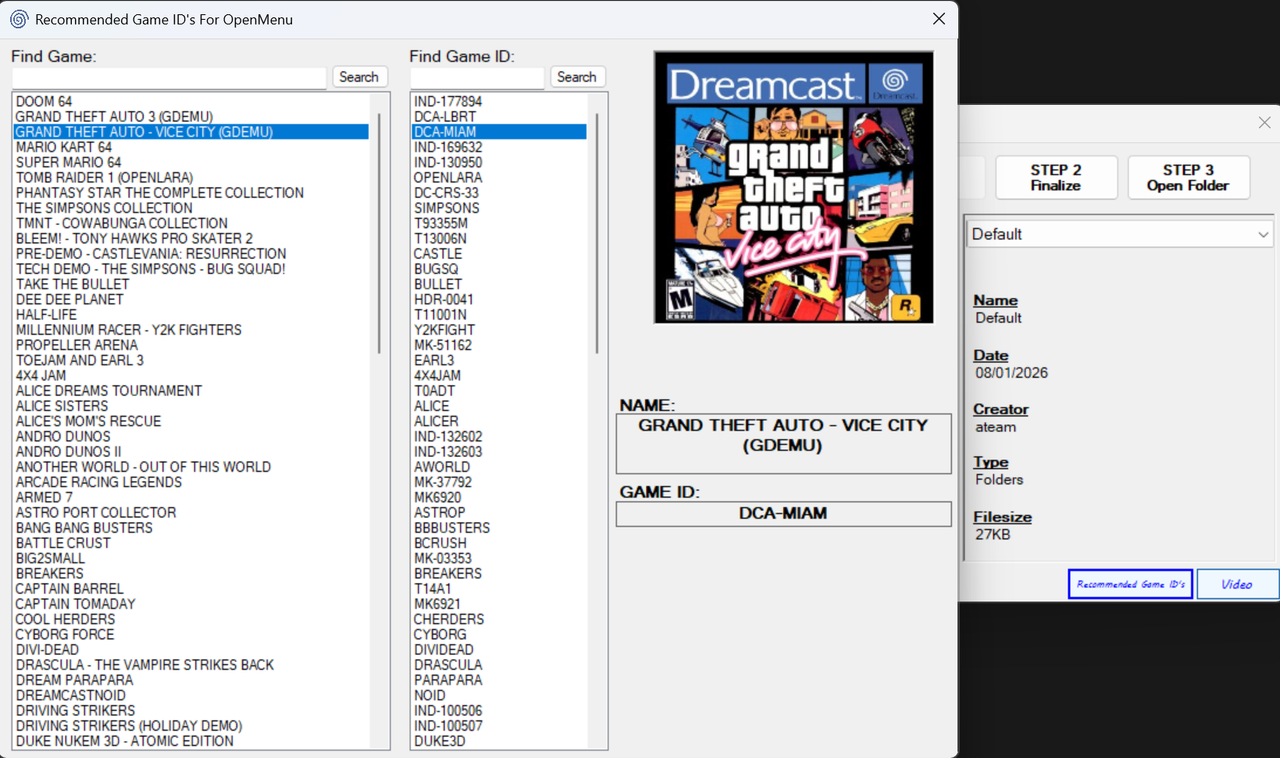
A brief summary and i do mean brief so please checkout the full release notes, Updated GDMENU Card manager to v1.1, Updated my GDMenu & OpenMenu HD Theme Manager quite a bit including adding a new button that will give you recommended game id's to use and the covers for those have been added to the box.dat, Updated all the Folders style themes with the new layout for v1.1.
Example Videos
Update (11/01/2026)
- Updated the old pre-applied themes as they were causing issues with the latest OpenMenu.
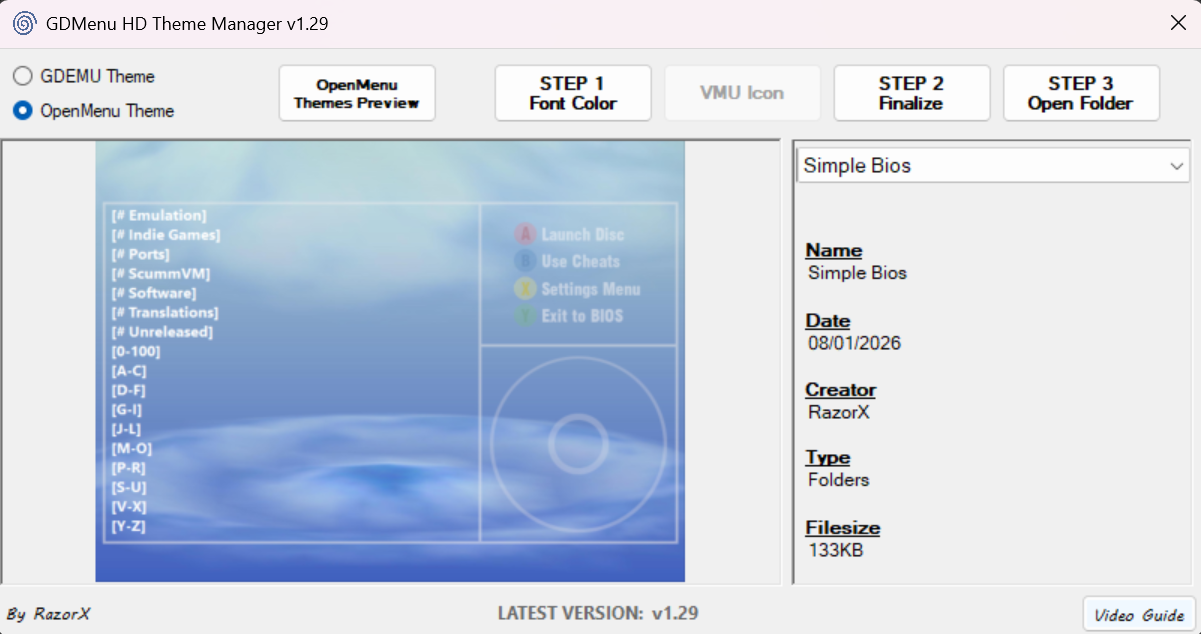
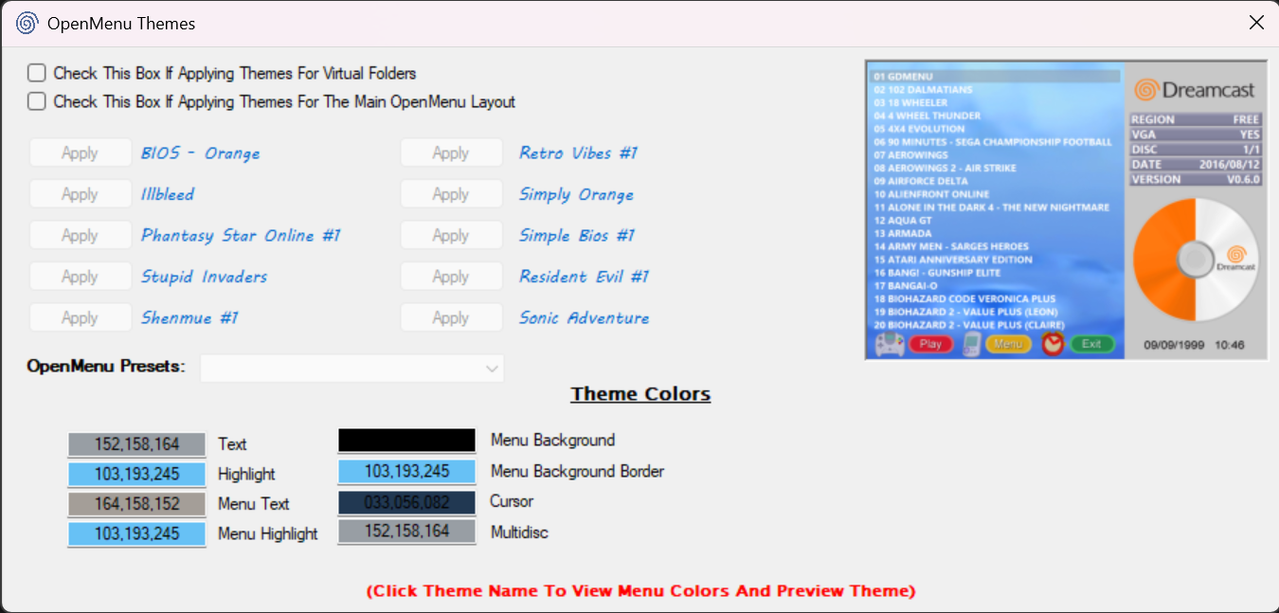
- Updated my Theme Manager to add normal OpenMenu themes.
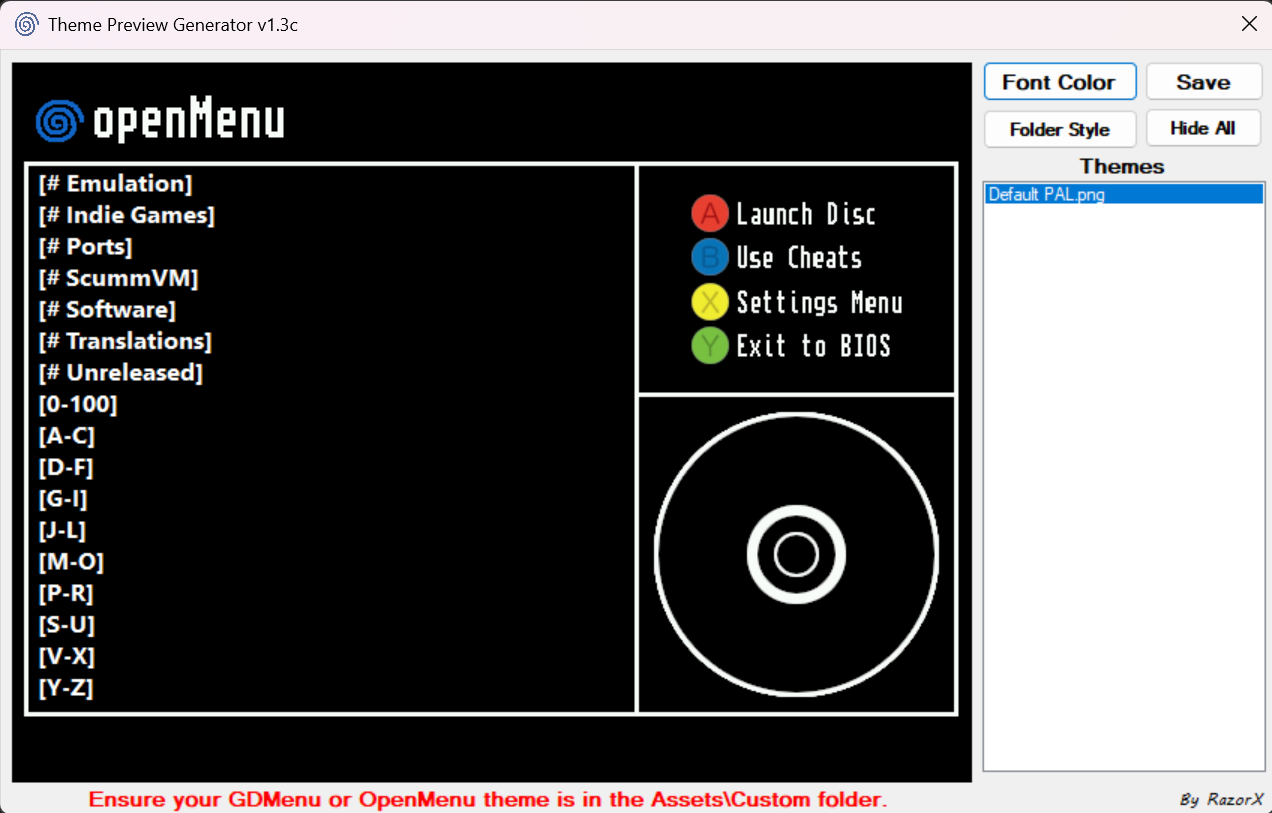
- Updated my Preview Generator to support both OpenMenu and OpenMenu Folder Style themes.
- Removed the template for creating a folder style theme preview image now that my Preview Generator app can do that.
- Did a bunch of bug fixes.
- Started adding code for the next release of OpenMenu from ateam.
- Made the preview window on the OpenMenu themes section larger and added support for standard OpenMenu themes and presets instead of them being on a separate app.
Update (08/01/2026)
- Updated openmenu to have virtual folder support as well as longer game names and scrolling text. (thanks to ateam)
- Updated my theme manager to support themes for the virtual folder style layout.
- Added a couple of folder themes online.
- Added openmenu dat tool to the 'Optional' folder.
- Added pvrtool to the 'Optional' folder.
- Added a new template for folder style themes.
- Added a new template to create a folder style theme preview image.
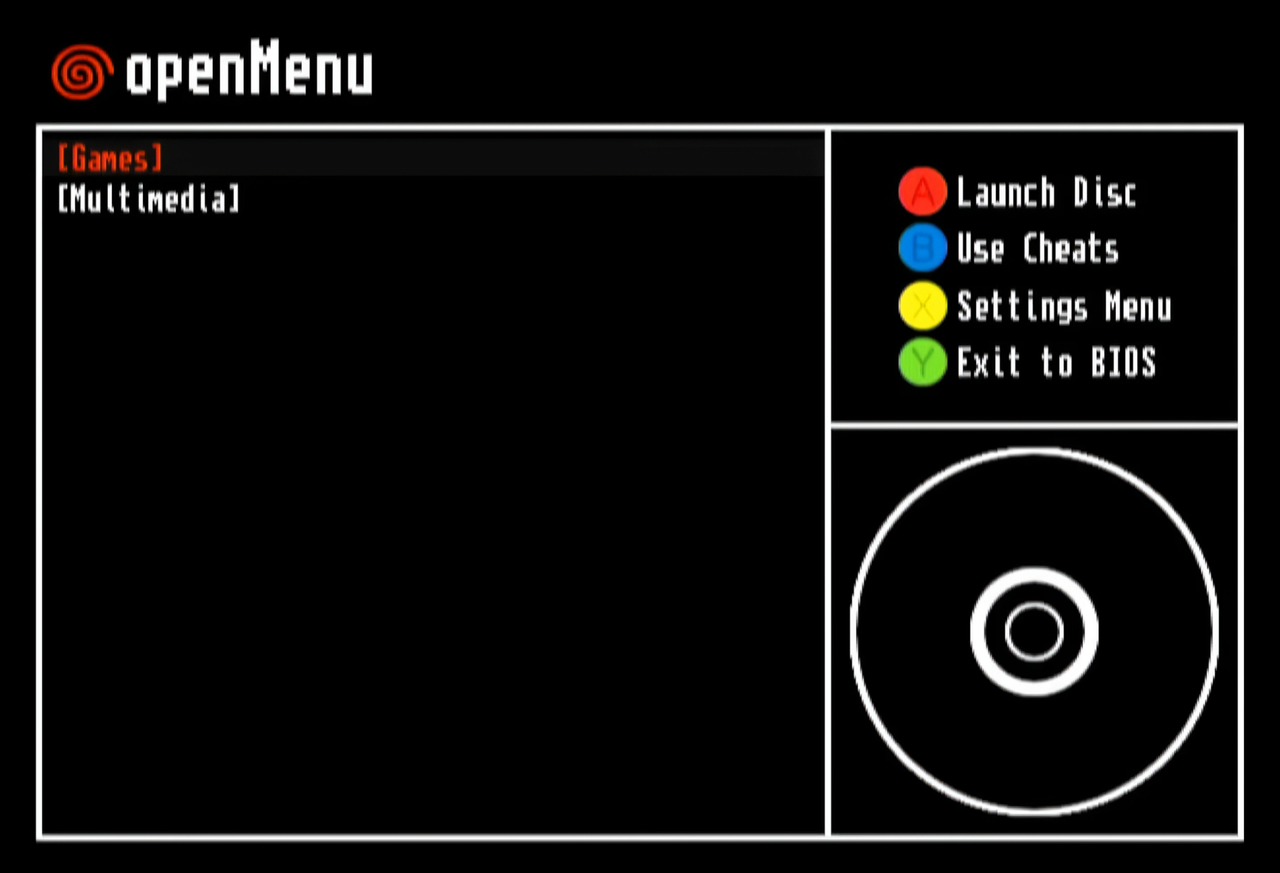
Update (31/12/2025)
- Jumping cursor in Scroll mode is now fixed.
- No more phantom button presses if no controller is present.
Update (30/12/2025)
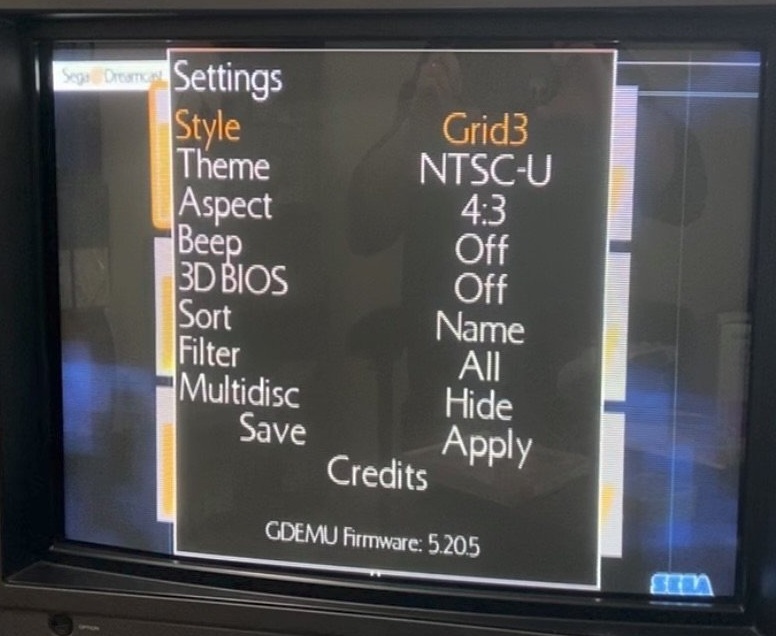
- You can now see the gdemu firmware version from the bottom of OpenMenu's menu.
- Option added to disable artwork when in Scroll mode.